
Creating a productive home office space is essential in today’s world, where remote work has become more common. A well-designed workspace can improve focus, reduce stress, and increase efficiency. Whether you have a dedicated room or just a small corner in your home, thoughtful planning can turn any area into an ideal place to work.
In this post, we’ll explore practical tips to help you create a home office that supports your productivity and comfort.
Choose the Right Location
Consider Natural Light
Natural light is a key factor in maintaining energy and reducing eye strain. Set up your desk near a window if possible, so you can enjoy daylight throughout your workday. Avoid glare on your computer screen by positioning your monitor perpendicular to the window.
Minimize Distractions
Pick a quiet spot away from household traffic, noisy appliances, or entertainment areas. If space is limited, consider noise-canceling headphones or a white noise machine to help you concentrate.
Invest in Comfortable Furniture
Ergonomic Chair and Desk
Long hours of work demand ergonomically designed furniture. Choose a chair that supports your lower back and allows your feet to rest flat on the floor. An adjustable desk or one with enough space for your computer and other tools will help maintain good posture.
Desk Arrangement
Keep your most-used items within arm’s reach to avoid repetitive stretching. Use desk organizers or trays to keep essential supplies tidy and accessible.
Organize Your Workspace Efficiently
Declutter Regularly
A cluttered desk can cause distractions and make it harder to focus. Make it a habit to clear your workspace at the end of each day. Use drawers, shelves, or storage boxes to keep less frequently used items out of sight.
Cable Management
Unmanaged cables create visual chaos and can be a trip hazard. Use cable clips, sleeves, or under-desk trays to keep wires organized and out of the way.
Enhance Lighting
Use Layered Lighting
In addition to natural light, use a combination of overhead lighting and task lighting. An adjustable desk lamp with warm LED bulbs can help reduce eye strain during evening hours or cloudy days.
Avoid Harsh Lighting
Avoid overly bright or flickering lights, which can cause headaches and fatigue. Soft, diffused lighting creates a welcoming environment that encourages productivity.
Personalize Your Space Thoughtfully
Add Plants
Indoor plants not only improve air quality but also boost mood and creativity. Choose low-maintenance options like succulents or snake plants that thrive indoors.
Display Inspirational Items
Incorporate artwork, motivational quotes, or personal photos to create a positive and inspiring atmosphere. Just be careful not to overcrowd your workspace.
Technology and Tools
Reliable Internet Connection
A stable internet connection is crucial for efficient remote work. Consider upgrading your router or using a wired Ethernet connection if Wi-Fi signals are weak.
Use Quality Equipment
Invest in a good monitor, keyboard, and mouse to enhance comfort and productivity. Headsets or microphones are useful for virtual meetings.
Establish Boundaries
Define Work Hours
Set clear work hours to avoid burnout and balance your professional and personal life. Inform household members about your schedule to minimize interruptions.
Separate Work and Relaxation Zones
If possible, keep your home office separate from relaxation areas to help your brain distinguish between work and leisure time.
Take Regular Breaks
Follow the 20-20-20 Rule
Every 20 minutes, look at something 20 feet away for at least 20 seconds to reduce eye strain.
Stretch and Move
Incorporate short breaks to stand, stretch, or take a quick walk. Movement helps maintain focus and prevents stiffness.
Maintain Good Air Quality
Ventilation
Open windows when possible to let in fresh air. Consider an air purifier if your space tends to be stuffy.
Temperature Control
Maintain a comfortable temperature to avoid distractions caused by being too hot or cold.
—
By following these tips, you can create a home office environment that supports your work habits and helps you stay productive throughout the day. Remember, the best workspace is one that suits your personal needs and preferences, so feel free to experiment and adjust as you go.
Related Posts
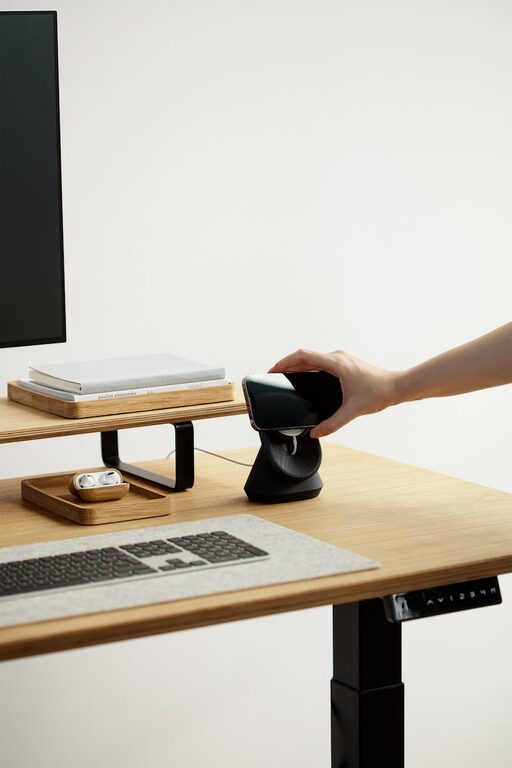
Tips for Organizing a Productive and Clutter-Free Home Office Space
Creating a home office that is both productive and clutter-free…
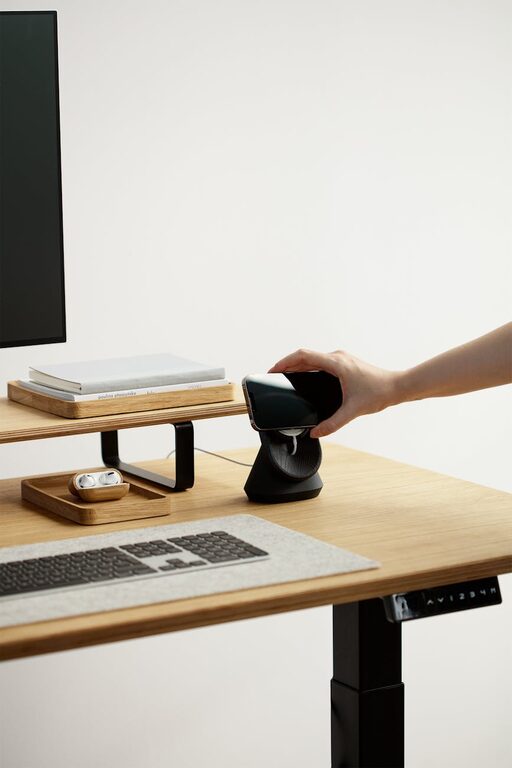
Tips for Creating a Cozy and Productive Home Office Environment
Creating a cozy and productive home office is essential for…
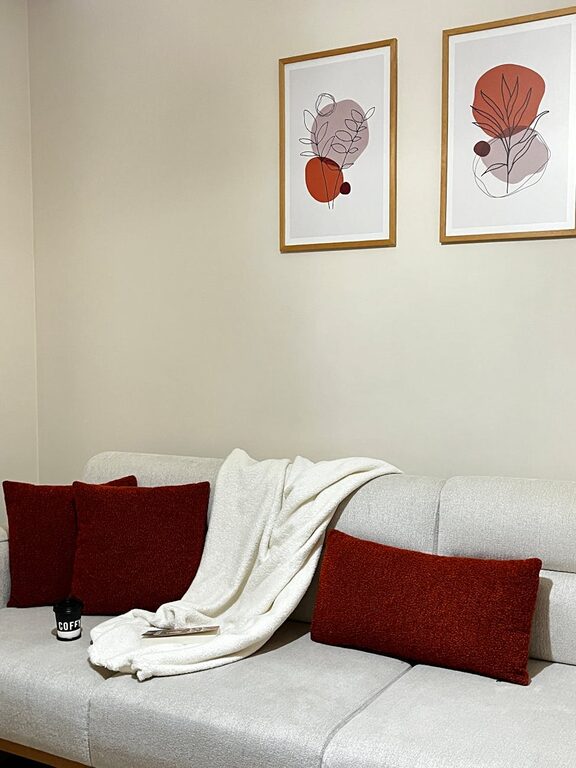
Simple Tips for Creating a Cozy and Inviting Home Atmosphere
Creating a cozy and inviting atmosphere in your home can…