
Creating a home office that is both productive and clutter-free can significantly improve your work experience and focus. Whether you’re working remotely full-time or just need a dedicated space for bills and correspondence, having an organized area tailored to your needs helps reduce stress and increase efficiency. Here are some practical tips to help you set up a workspace that works for you.
Why a Clutter-Free Home Office Matters
A cluttered workspace can be distracting and overwhelming, making it difficult to concentrate on tasks. When your desk is clean and your supplies are well organized, you can find what you need quickly and spend more time focusing on your work. Plus, a neat area often feels more inviting and motivating.
Step 1: Choose the Right Location
Before you start organizing, select a space that fits your work style.
– Natural light: If possible, choose a spot near a window to benefit from natural light, which can improve mood and reduce eye strain.
– Quiet environment: Find a place with minimal noise and interruptions.
– Adequate space: Ensure there’s enough room for your desk, chair, and any equipment or supplies you use regularly.
Step 2: Declutter Your Workspace
Begin by removing everything from your desk and surrounding areas. Sort through your items with these categories in mind:
– Keep: Essential items needed daily.
– Store: Items you need occasionally but not regularly.
– Dispose or Donate: Broken, duplicate, or unnecessary items.
Be honest about what you truly need. This step is crucial for creating a minimalist, functional office.
Step 3: Organize with Purpose
Once you have only necessary items, organize them thoughtfully.
Desk Essentials
Limit what stays on your desk to essentials such as your computer, planner, and a few writing tools. Avoid stacking papers or office gadgets that can create visual clutter.
Use Storage Solutions
– Drawer organizers: Keep pens, paperclips, and small items sorted.
– Shelving: Use shelves for books, binders, or decorative items.
– Filing systems: Utilize filing cabinets or boxes to store documents logically and label them clearly.
Digital Organization
Don’t forget your digital workspace. Keep your computer desktop and files organized into folders. Regularly back up important data to avoid digital clutter.
Step 4: Create a Routine to Maintain Order
Organization isn’t a one-time task; routine upkeep is necessary.
– End-of-day tidy: Spend five minutes at the end of each day putting things back in place.
– Regular purging: Once a month or quarter, reassess your supplies and paperwork to declutter.
– Inbox management: Keep an organized email inbox with folders and filters to avoid digital overload.
Step 5: Design for Comfort and Inspiration
A productive workspace is also a comfortable one.
– Ergonomics: Use an adjustable chair and position your monitor at eye level to reduce strain.
– Personal touches: Add plants, artwork, or items that inspire you, but keep them minimal to avoid distraction.
– Proper lighting: Combine natural and task lighting to ensure your workspace is well lit throughout the day.
Bonus Tips for Improving Productivity
– Use a calendar or planner: Keep track of tasks and deadlines visibly.
– Limit distractions: Use noise-cancelling headphones or apps that block distracting websites.
– Take breaks: Schedule short breaks to stretch and rest your eyes, which helps maintain focus.
Conclusion
Organizing a home office that is both productive and clutter-free takes some planning and consistent effort. By choosing the right location, decluttering regularly, creating smart storage solutions, and maintaining a tidy and comfortable environment, you can set yourself up for success. Your workspace should support your productivity while also being a place where you feel calm and focused. Start with one small change today, and build a home office that works for you.
Related Posts
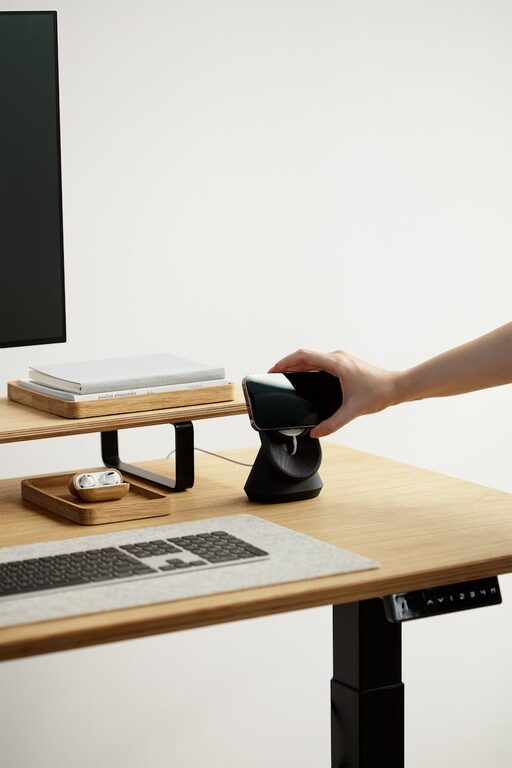
Tips for Creating a Relaxing Home Office Environment
Creating a relaxing home office environment is essential for maintaining…
Simple Tips for Creating a Cozy and Inviting Home Atmosphere
Creating a cozy and inviting atmosphere in your home can…
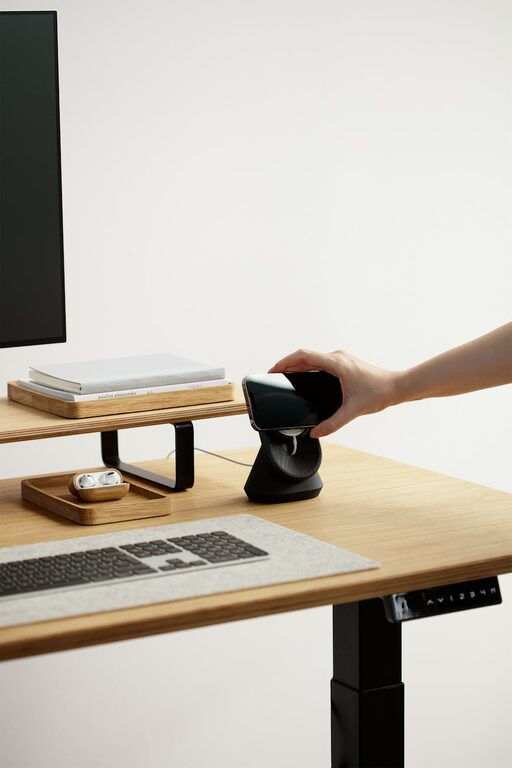
Tips for Creating a Cozy and Functional Home Office Space
Creating a cozy and functional home office space is essential…